

Last Updated on September 20, 2025 by Larious
AI tools are everywhere. A few days ago, Google launched Nano Banana, which can turn your text prompts into images. The tool is great at generating realistic images.
After generating an image, you can use other AI tools to convert it into videos. For example, Grok AI lets you turn your still images into videos.
Today, we will be discussing another AI tool for converting images into videos. Let’s get started.
Table of Contents
Magi AI: Free AI Video Generator
With this AI tool, you can turn your images into videos, turn text into videos, and do much more.
You can also create an AI avatar with it and let it do stuff. There’s also an option to add voice.
Anyway, we will know how to use this AI tool to convert still images into videos.
How to Convert Images to Videos using AI
To convert still images to videos, we will be using Magi AI. If you’re using it for the first time, you will get 500 credits for free, which can be used to convert images into videos.
1. Launch your favorite web browser and visit this link.
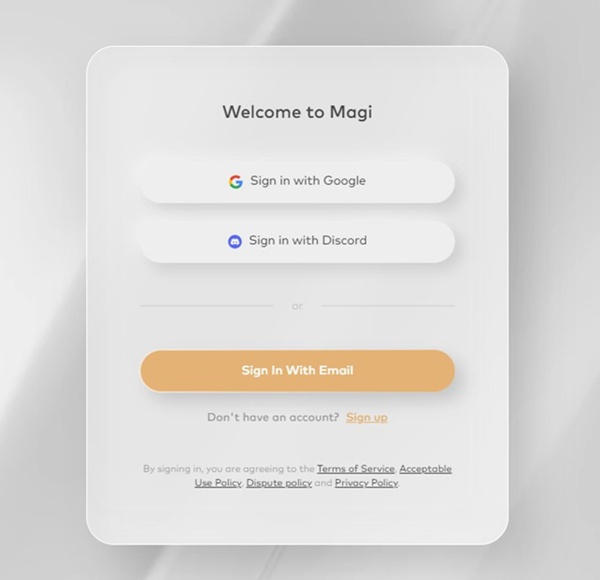
2. Sign in to the website. You can use your Google account.
3. The free plan gives you 500 credits for free.
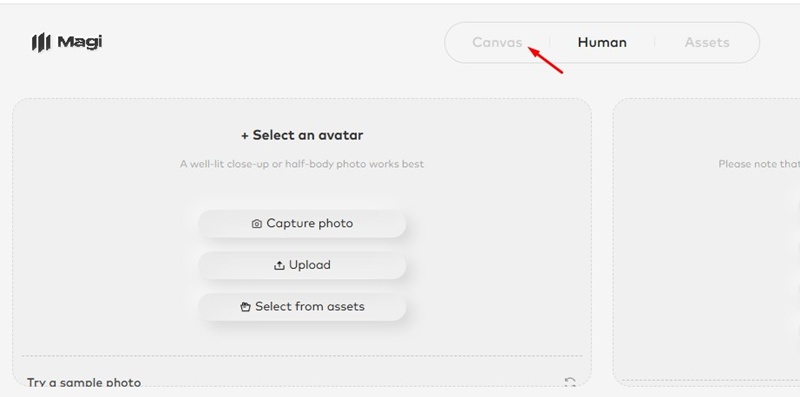
4. To turn the image into a video, switch to the Canvas tab.
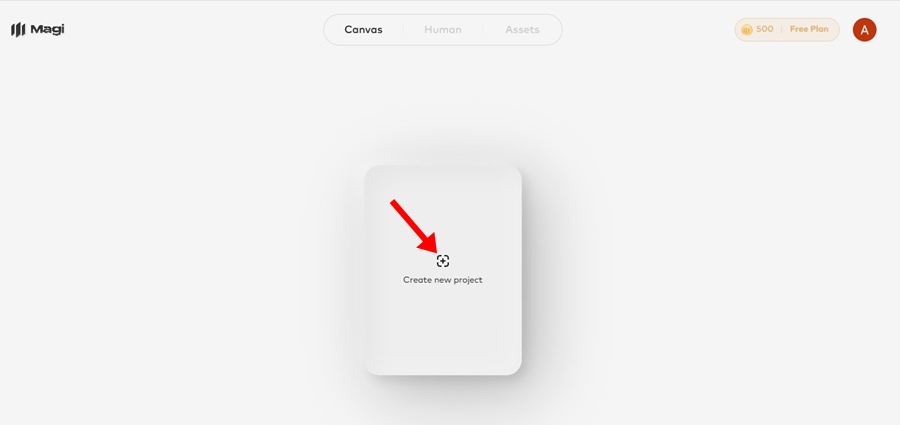
5. Next, click on Create New Project.
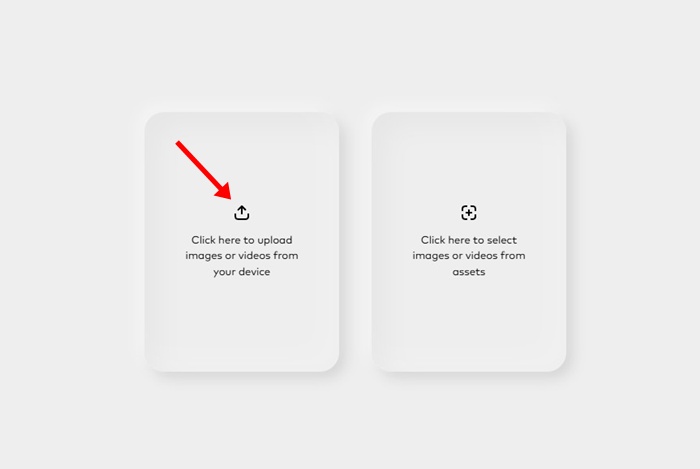
6. On the left, upload the image that you want to convert into a video.
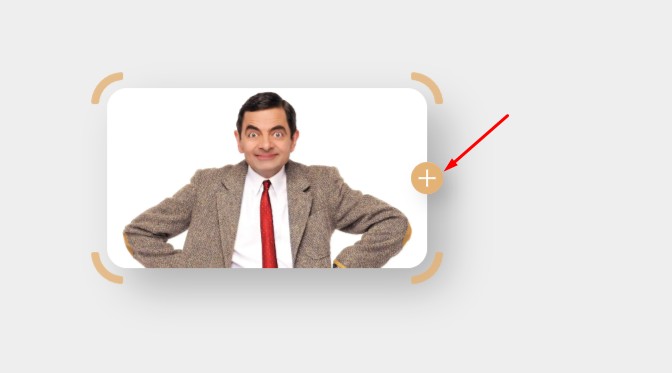
7. Click the (+) button to open the Image to Video tool.
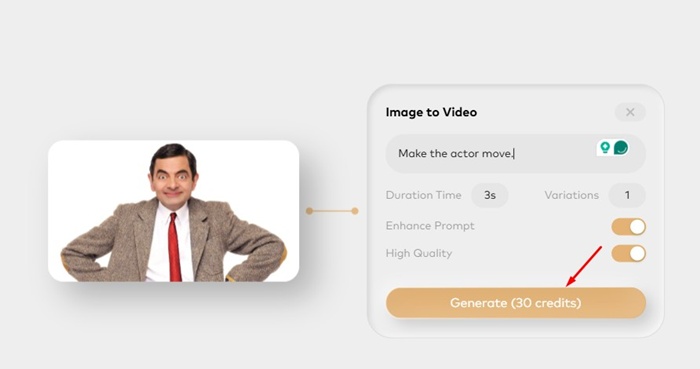
8. Enter the prompt, set the Duration, and variations. Once done, click Generate.
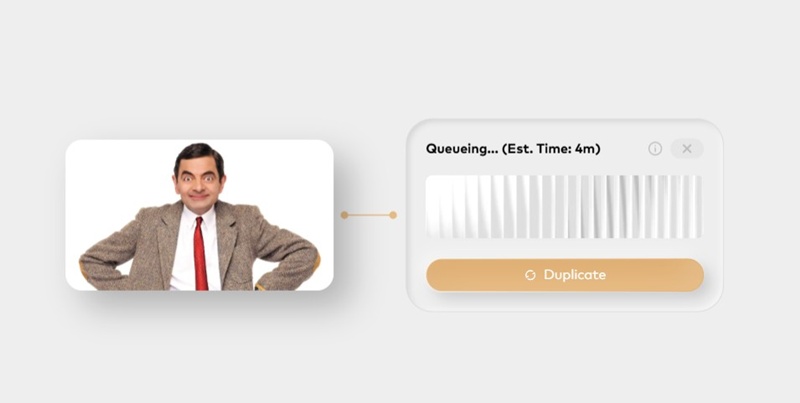
9. The tool will generate the video within a few minutes.
The free account gives you only 500 credits, and each image-to-video conversion costs you at least 30 credits. So, make sure to use the free resources carefully.
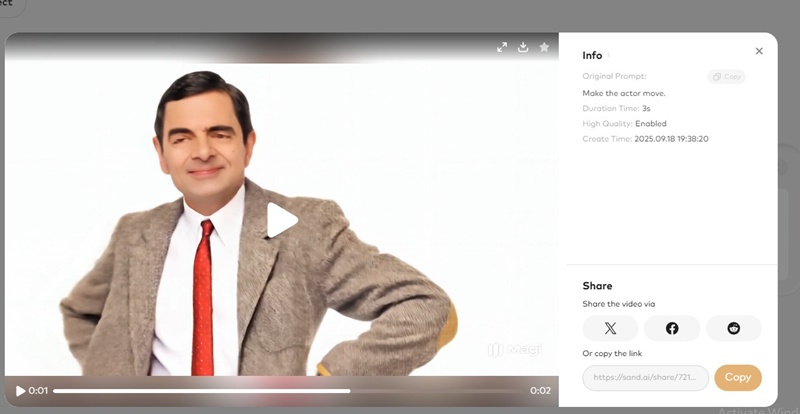
This article explains how to use Magi AI to convert images into videos. If you need more help in using this AI tool, let us know in the comments.

