

Last Updated on October 14, 2026 by Larious
You can do a few things on Windows with the help of Command Prompt to boost your internet speed to some extent. If you want to speed up your internet, here’s what you should do.
Table of Contents
Run Command Prompt as an administrator
Click on Start and type CMD in the search. Next, right-click on CMD and select Run as Administrator. Next, go to the root directly “C:\” by typing “cd C:\”.
Now you need to execute the commands below to speed up your PC’s internet.
Checking the Internet Speed Using Default Gateway Ping
You need to find the default gateway address and then check the connection speed at that IP address.
1. Find the default gateway by entering the command ipconfig /all in the Command Prompt. Note down the default gateway address.
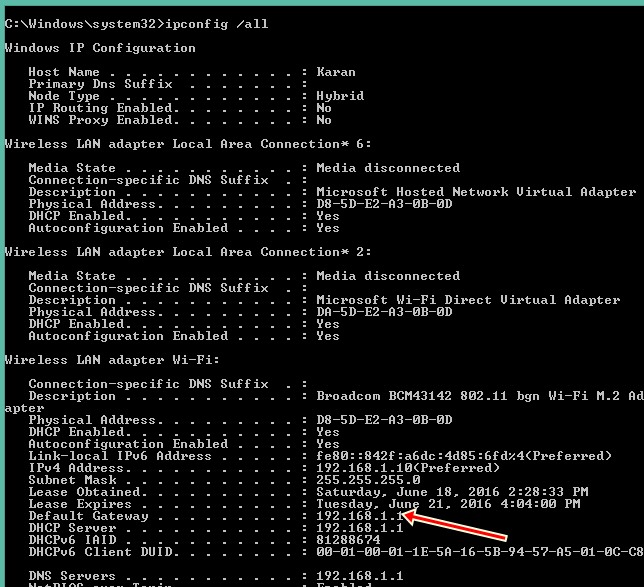
2. You need to ping the connection to the default gateway; for that, enter the command ping -t <your default gateway address>.
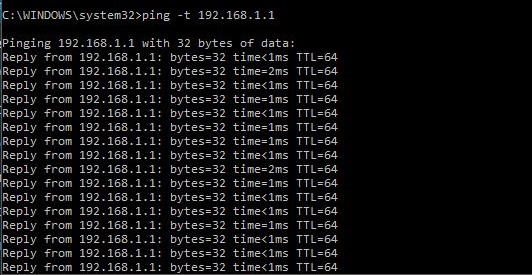
And with this, you will see the time periods of the packet. The lesser the time period more the internet speed. Now our target will be to minimize this time period.
Releasing The Allocated IPs
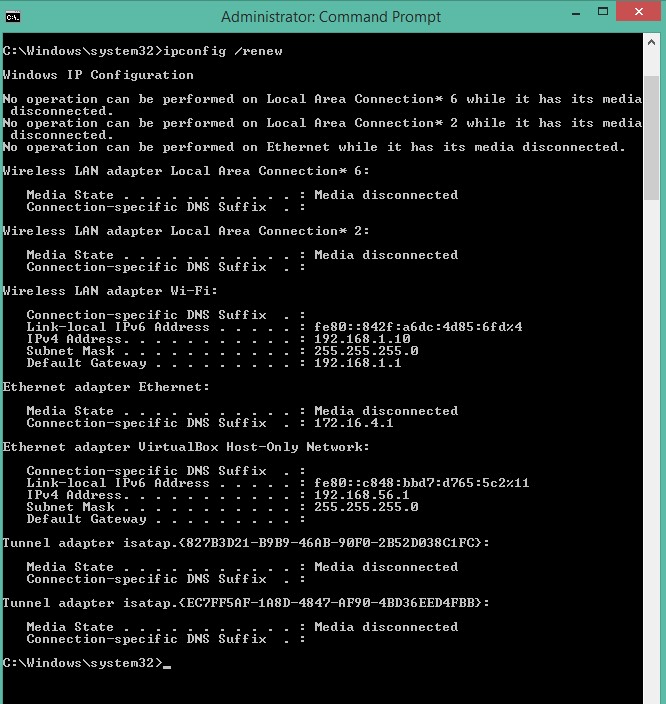
The IP address is allocated when your device connects to the internet. You can try renewing the IP configuration to speed up your internet. For that, execute this command:
ipconfig /renew
Flushing The DNS
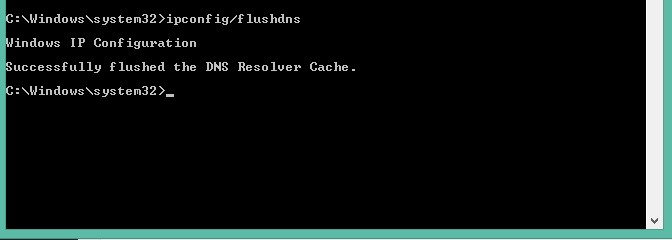
Most operating systems and DNS clients will automatically cache IP addresses and other DNS results to speed up subsequent requests to the same hostname. Sometimes this DNS cache can become corrupted, so better to flush all this DNS. In cmd, enter the command below to flush the DNS.
ipconfig /flushdns
Using netsh Interface TCP command
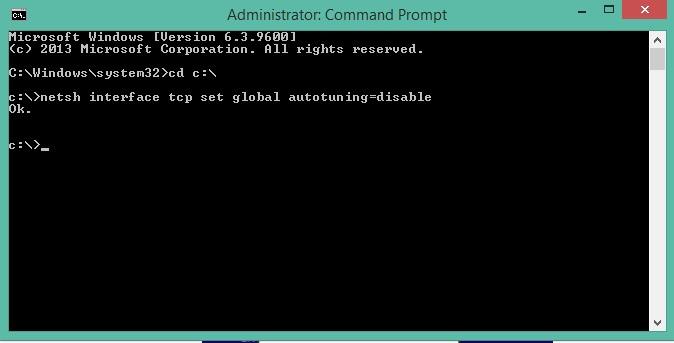
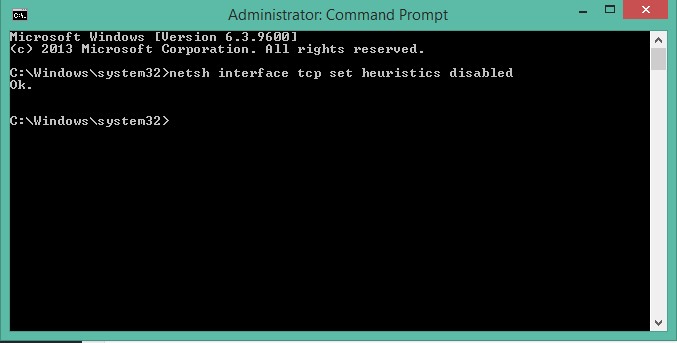
There are two types of commands that you need to enter in your command prompt to boost your internet speed.
"netsh interface tcp set global autotuning=disable".
"netsh interface tcp set heuristics disabled"
After entering these commands, you can check your default gateway speed and also the change in the internet speed that will be quite easily visible to you.
These are a few simple commands that can speed up your internet. You just need to execute these commands in Command Prompt and see the result. If you need more help on this topic, let us know in the comments.

