

Last Updated on January 30, 2026 by Larious
Let’s admit it, image editing tasks that once took lots of effort in Photoshop can now be done in seconds, thanks to the number of free AI tools available today.
ChatGPT and other popular AI tools now support image editing. Tools like Gemini and ChatGPT have also become more precise in their edits. Now it looks like ChatGPT supports marking up images before editing.
Table of Contents
Marking up Images in ChatGPT?
With this feature, you can upload an image, select the part you want to edit, and guide the chatbot to make the changes. Basically, this one is for precise photo editing.
So, instead of recreating an entire image to fix just one thing, you can now select and edit a specific area while leaving everything else untouched.
How to use the AI Image Markup Tool of ChatGPT
While the image markup tool on ChatGPT isn’t new, many users aren’t even aware of it. Here’s how you can use the image markup tool on ChatGPT.
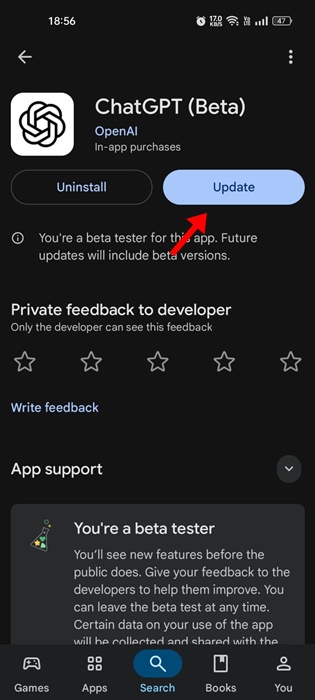
1. To get started, update the ChatGPT app from the Google Play Store or Apple App Store.
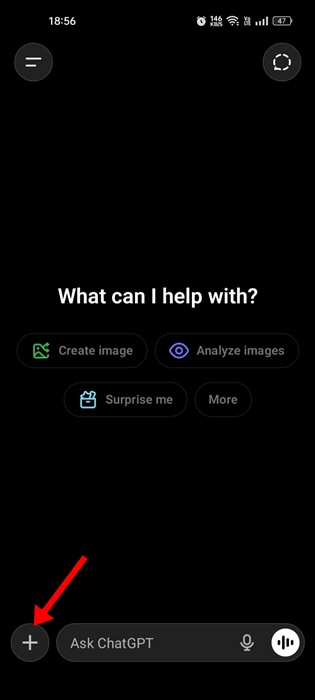
2. Once updated, launch the app and tap the (+) button beside the Ask ChatGPT field.
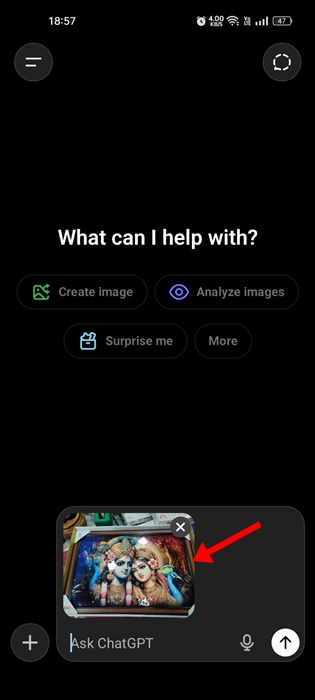
3. Select an Image.
4. Now, tap the image thumbnail to open the editing options.
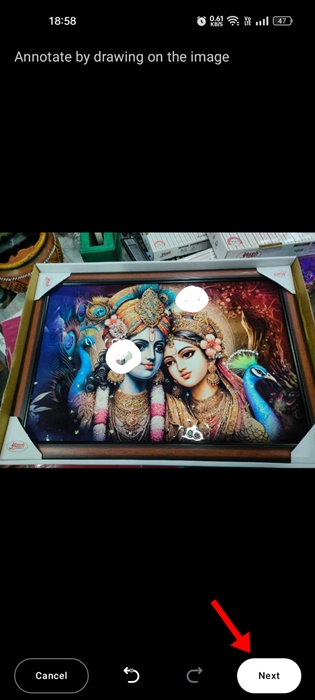
5. Highlight the particular part of the image that you want to edit and click Next.
6. Next, type the prompt for the edit and tap Send.
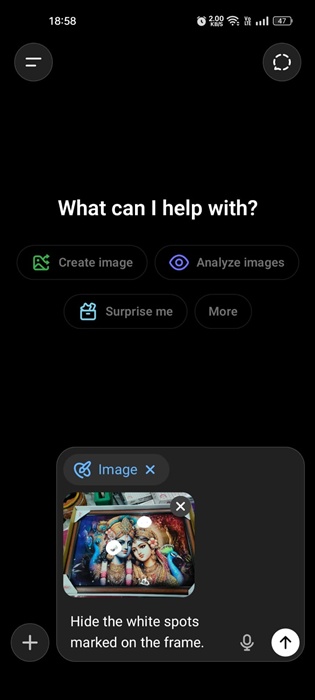
7. ChatGPT will return with an edited image. It will only edit the parts you’ve mentioned.
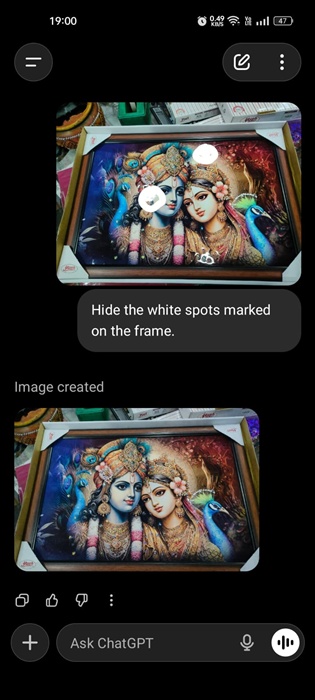
The new editing tool lets you select and edit a specific part of an image while leaving everything else untouched. This is a great image editing tool that you should make use of.
AI Image editing is moving at a rapid pace. Editing photos is no longer a difficult task; thanks to these AI tools. If you need more help in using the image markup of ChatGPT, let us know in the comments.

