

Last Updated on June 18, 2026 by Larious
Claude Opus 4.6 is Anthropic’s flagship AI model. While newer Claude models have already been released, many users still prefer Opus 4.6 Thinking for its strong reasoning and problem-solving abilities.
However, access to Claude Opus 4.6 had been limited to paid plans, making it difficult for free users to even try it. Previously, users could access Claude Opus 4.6 from Arena AI, but the platform removed the model.
Now, the only option to access Claude Opus 4.6 thinking for free is by using Google Antigravity. So, if you’re interested in trying Claude Opus 4.6 for free, you should follow these steps.
How to Access Claude Opus 4.6 (Thinking) For Free
Google Antigravity is basically a coding platform that’s designed to let AI agents write, test, and debug code. It also supports several Claude models. Here’s how you can use Claude Opus 4.6 for free using Google Antigravity.
1. Download & install Google Antigravity on your computer from this link.
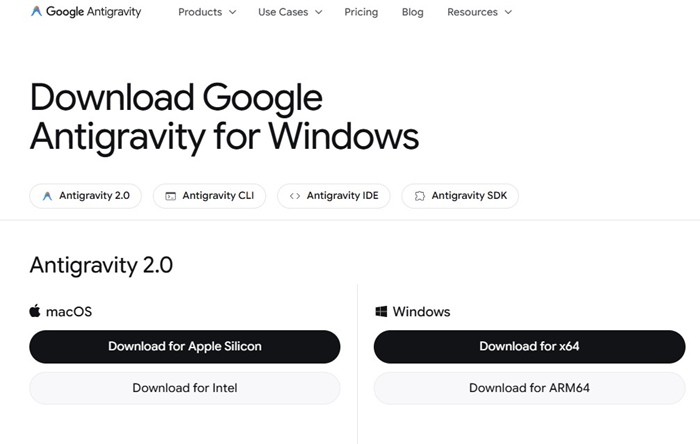
2. Double click on the installer. Now wait until the program installs.
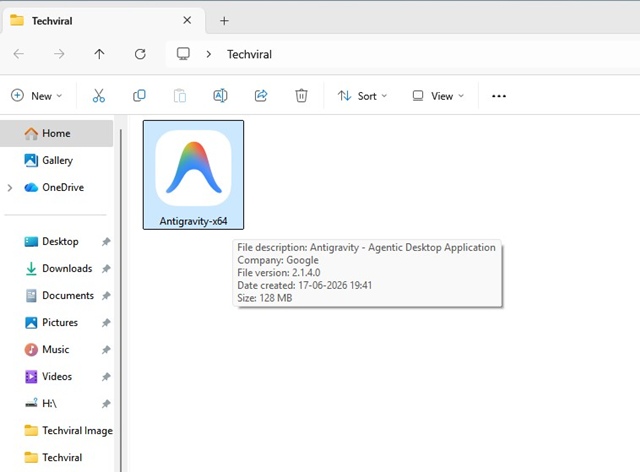
3. Once installed, launch the Google Antigravity application.
4. Now, sign in with your Google account. You will be redirected to a webpage; simply select your Google account.
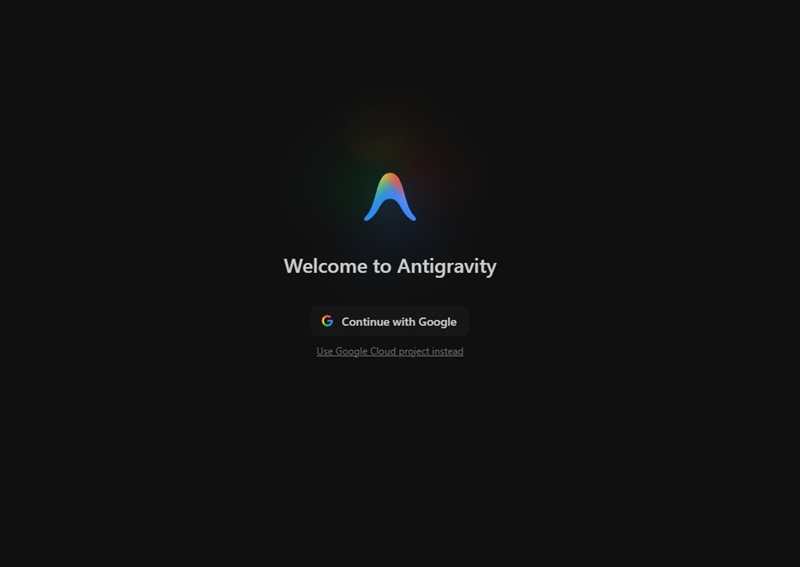
5. Now you will see the main screen of Antigravity.
6. Click the Model drop-down and select Claude Opus 4.6 (Thinking).
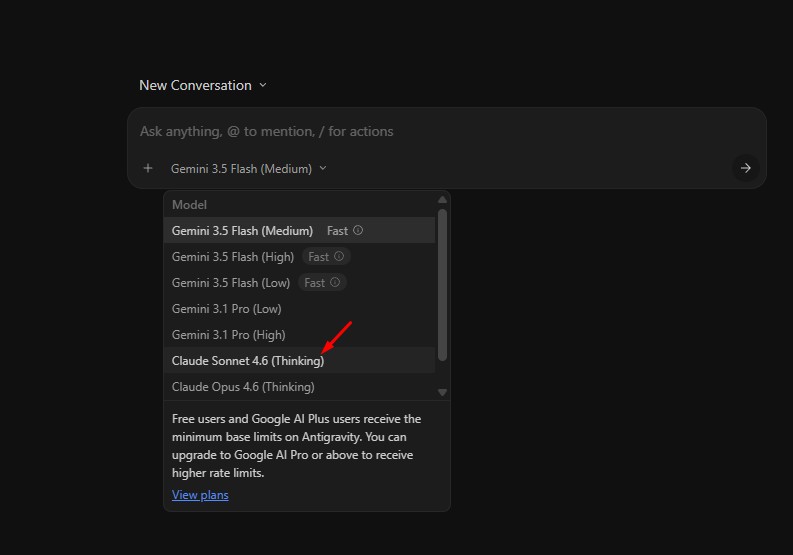
7. Now you can type your text prompt and use the model for free.
Do note that you have limited usage on the Antigravity Starter Quota. You will get weekly limits on Claude models.
This means that once your free account hits the limit, you will have to wait for a week.
Other than Claude Opus 4.6 (Thinking), you can use other models as well, like Gemini 3.5 Flash (Medium, High Low), Gemini 3.1 Pro (Low, High), Claude Sonnet 4.6 (Thinking), and GPT-OSS-120B.
This guide explains how to use Claude Opus 4.6 Thinking for free with Google Antigravity. If you need more help on this topic, let us know in the comments.

